
If you purchased a Blackmagic Design DaVinci Resolve Speed Editor keyboard, the box includes a plastic activation card that unlocks the full DaVinci Resolve Studio 21 software on two computers. In this complete step-by-step tutorial, we show how to download, install, and activate DaVinci Resolve Studio 21 on a MacBook Air M5 running macOS 26.5.
Visit the Official Blackmagic Design Support Website
Open Safari on your MacBook Air M5 (Model A3449, 16GB RAM, 512GB SSD) and go to the official Blackmagic Design Support page. Select the DaVinci Resolve and Fusion product family and scroll down to the Latest Downloads column.
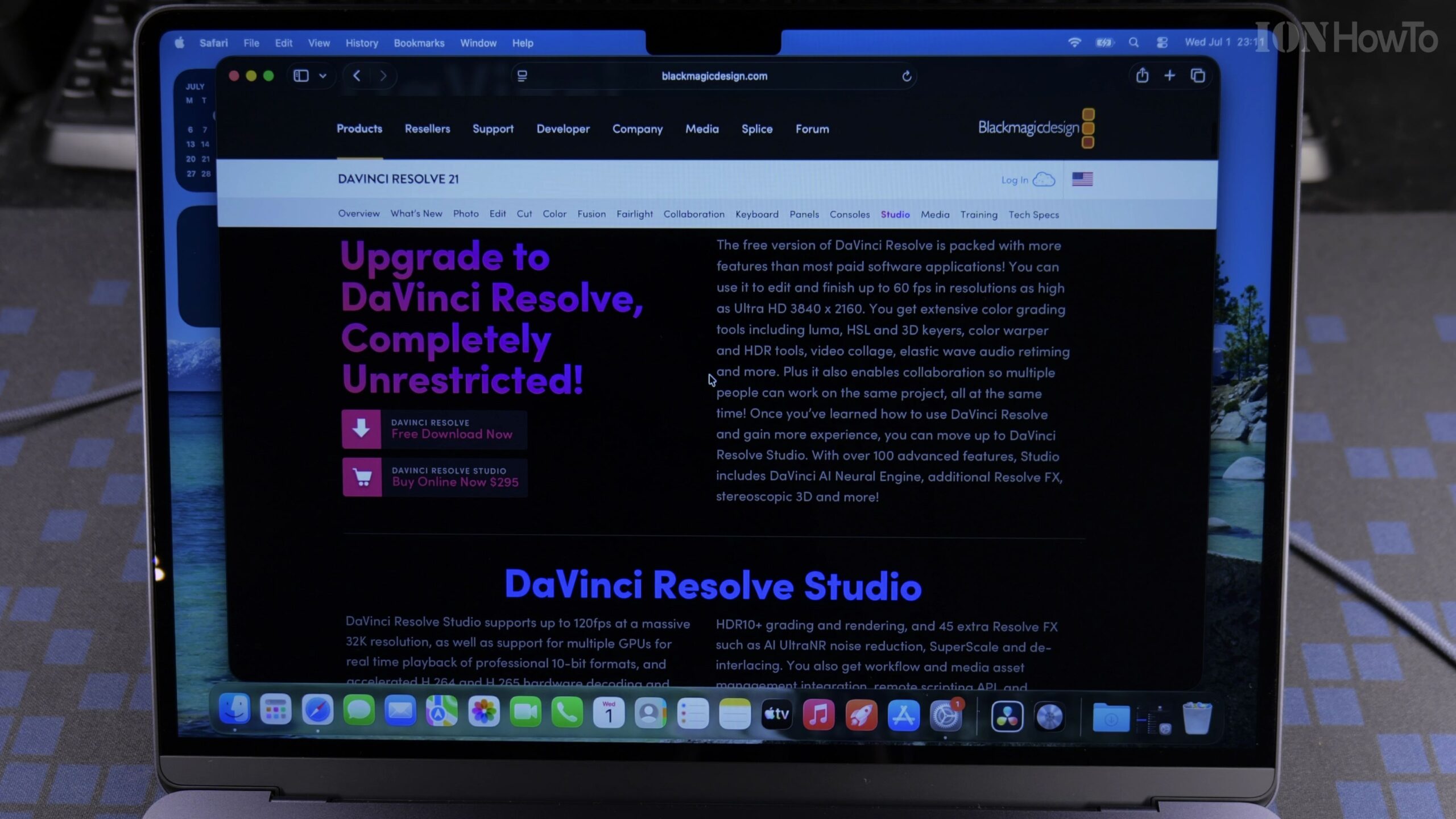
Select DaVinci Resolve Studio 21 for Mac OS X and Register Download
Make sure you click the Mac OS X download link specifically for DaVinci Resolve Studio 21 rather than the free non-Studio version. Fill in your contact details or click Download Only at the bottom-left corner of the registration form to begin downloading the ZIP archive.
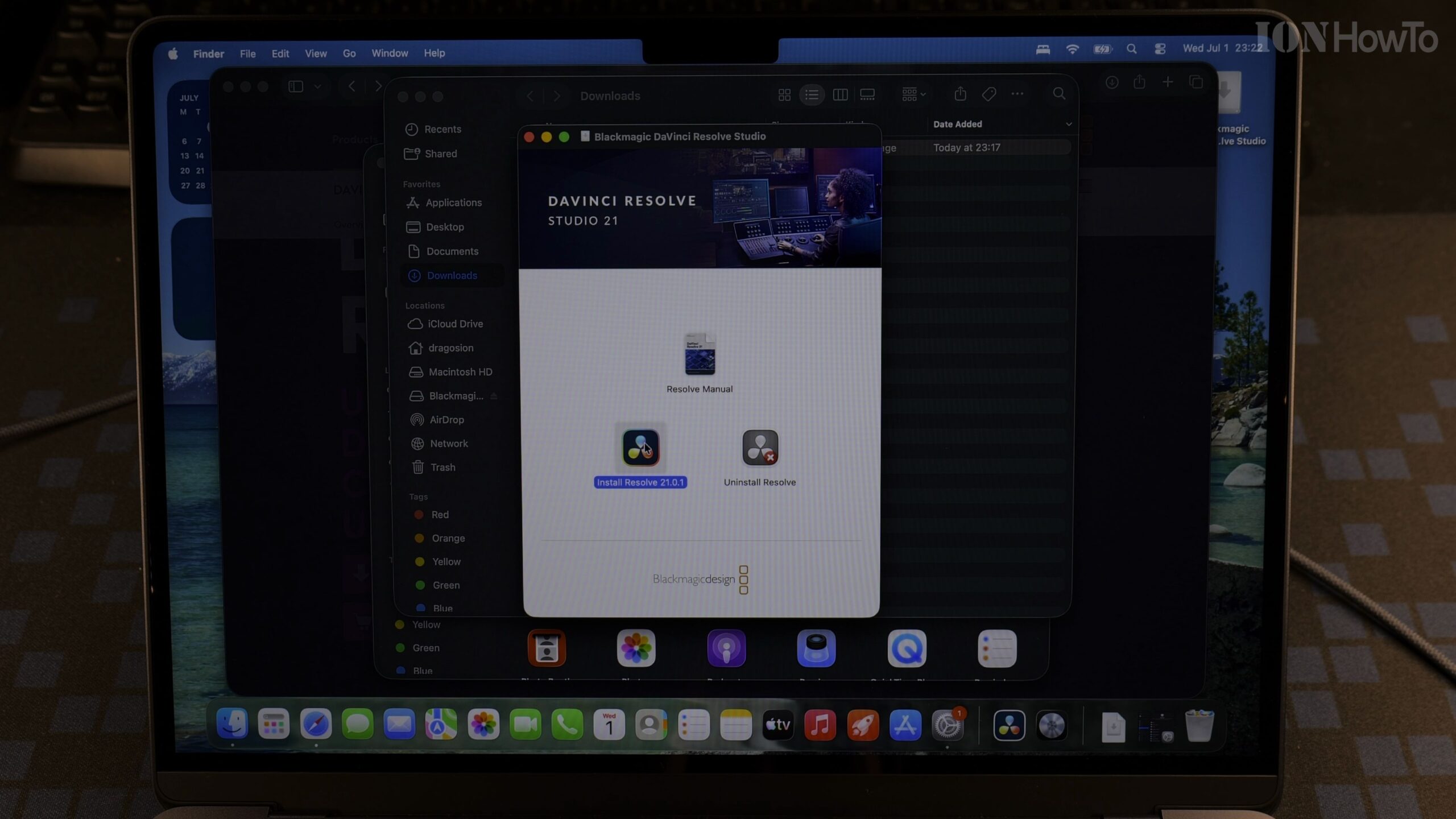
Open the Downloaded Installer DMG and Run Install Resolve
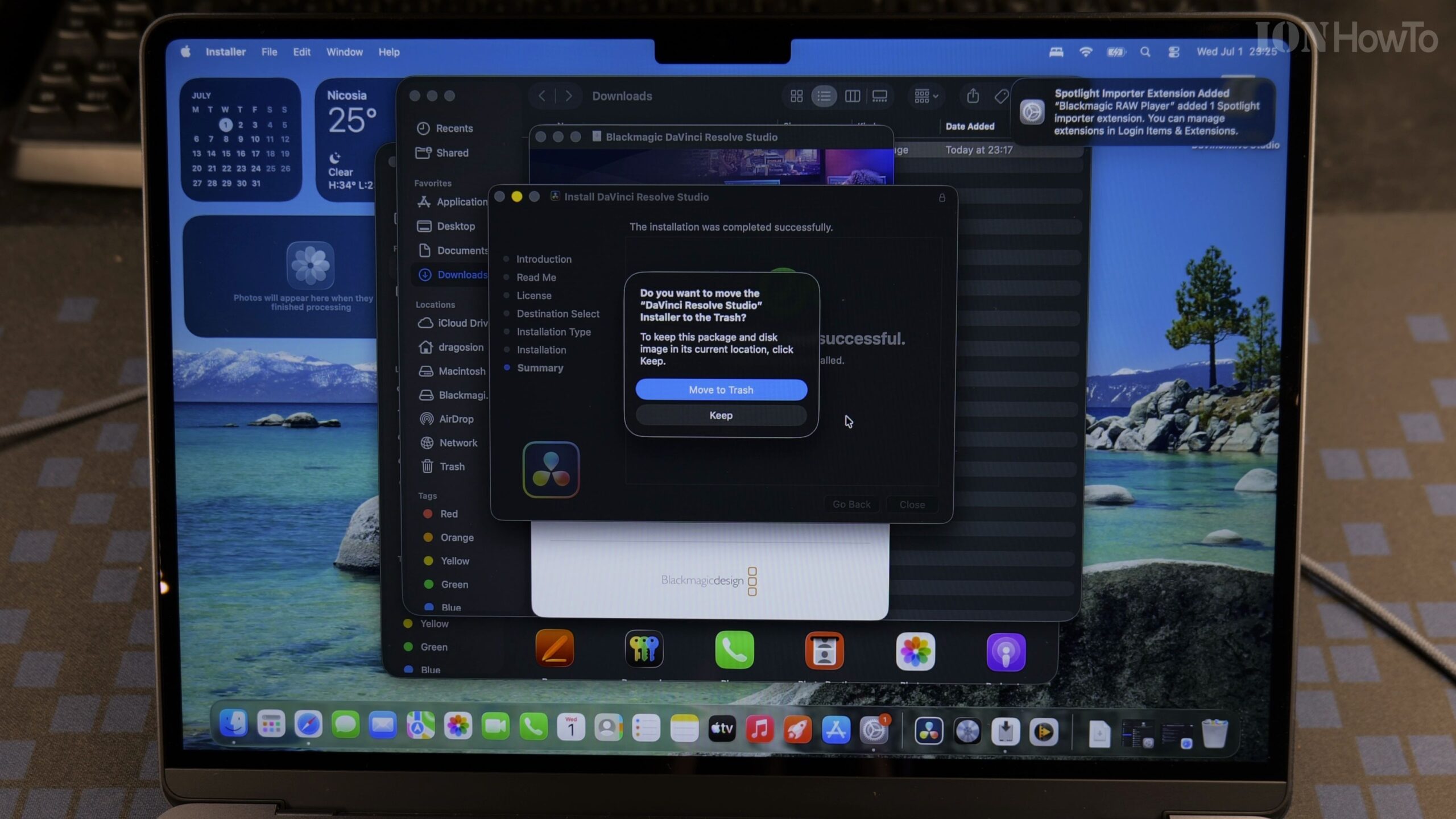
Once the download finishes in Safari, open the extracted DMG disk image from your Downloads folder. Double-click the Install Resolve 21.pkg icon and step through the macOS installer prompts, entering your Mac administrator password when requested.
Launch DaVinci Resolve Studio 21 from Applications
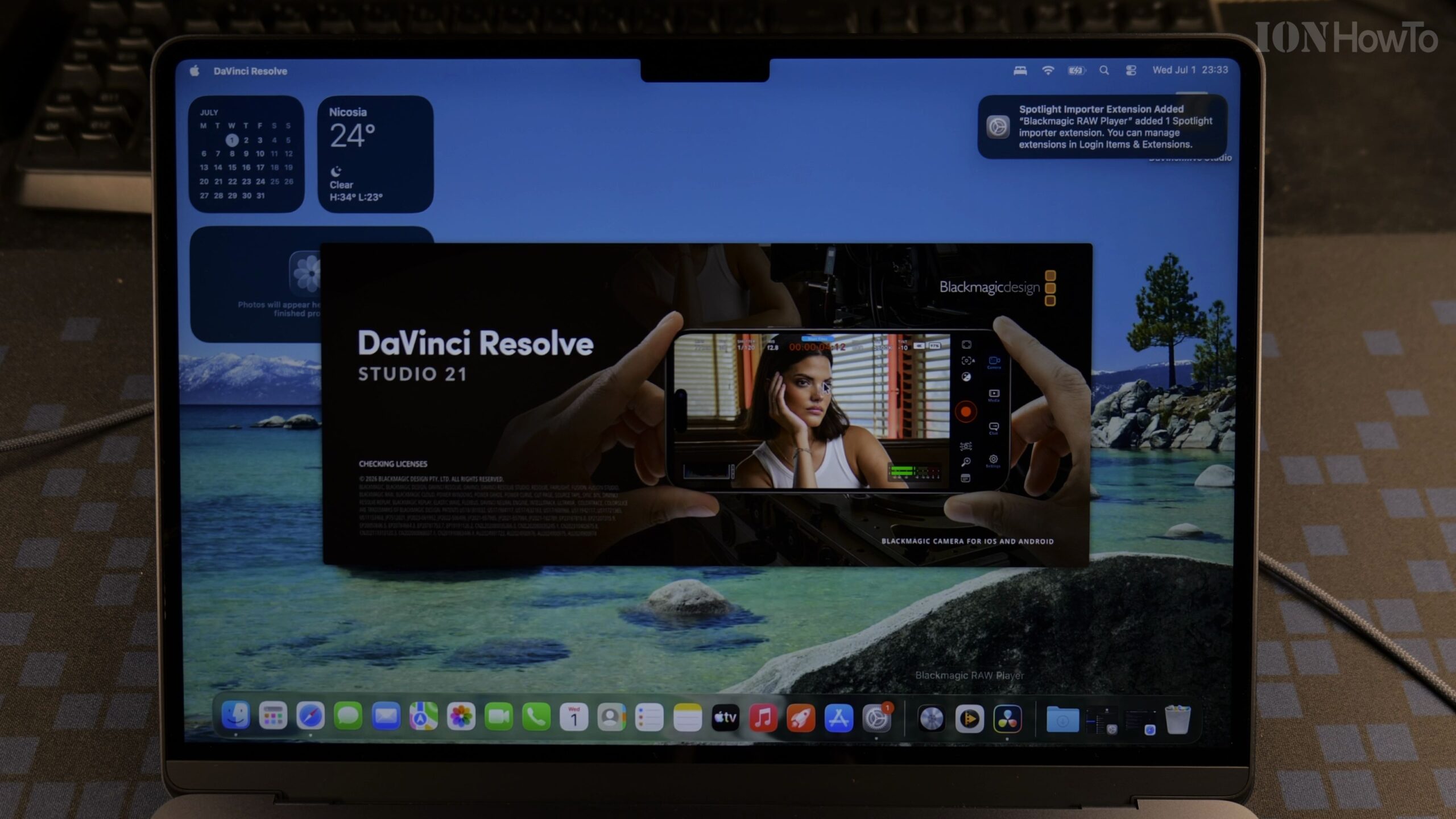
Open your Applications folder or Launchpad and start DaVinci Resolve Studio. On the first launch, the software will prompt you to enter your DaVinci Resolve Studio license activation key before loading the project manager.
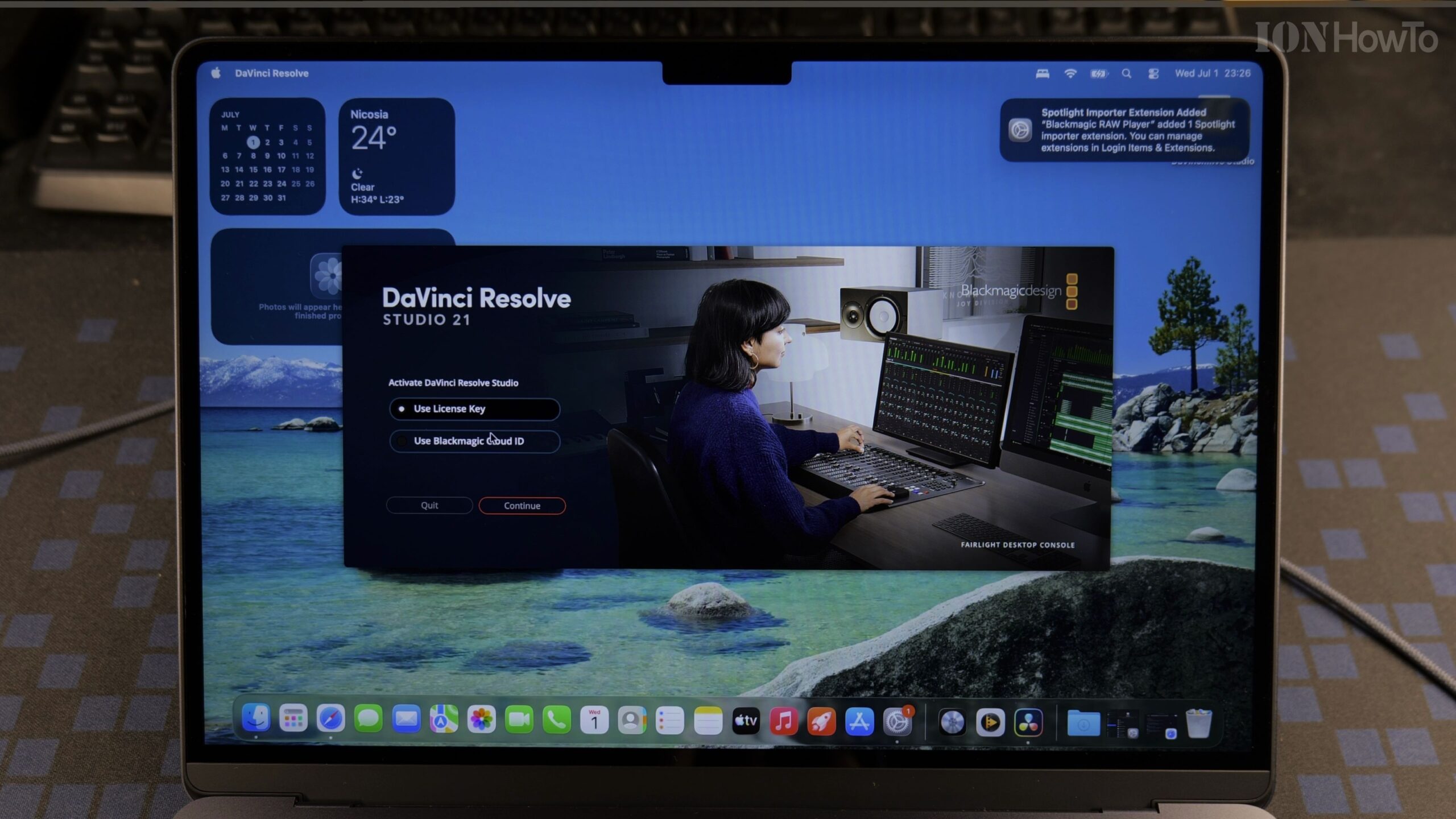
Enter Your Speed Editor Activation Key to Unlock Studio Features
Locate the activation card that came with your DaVinci Resolve Speed Editor keyboard and carefully type the serial key into the activation fields. Click Activate to verify your license online and unlock full Studio GPU acceleration, neural engine tools, and noise reduction.
Helpful Tips and Related Guides
Keep your plastic DaVinci Resolve Speed Editor license card in a safe place, as each key allows two active installations at a time and automatically deactivates the oldest machine if you register a third computer. Check out our DaVinci Resolve guides, visit our Speed Editor Keyboard section, or browse our MacBook Air M5 tutorials.


Leave a Reply