
Tag: PC
Building a Gaming PC From Scratch in 2025
Building your own gaming PC might sound complicated but it’s actually a lot of fun and easier than you think. With all the advancements in technology, it’s the perfect time to try it. For a seasoned gamer or just starting out, this guide will show you the.
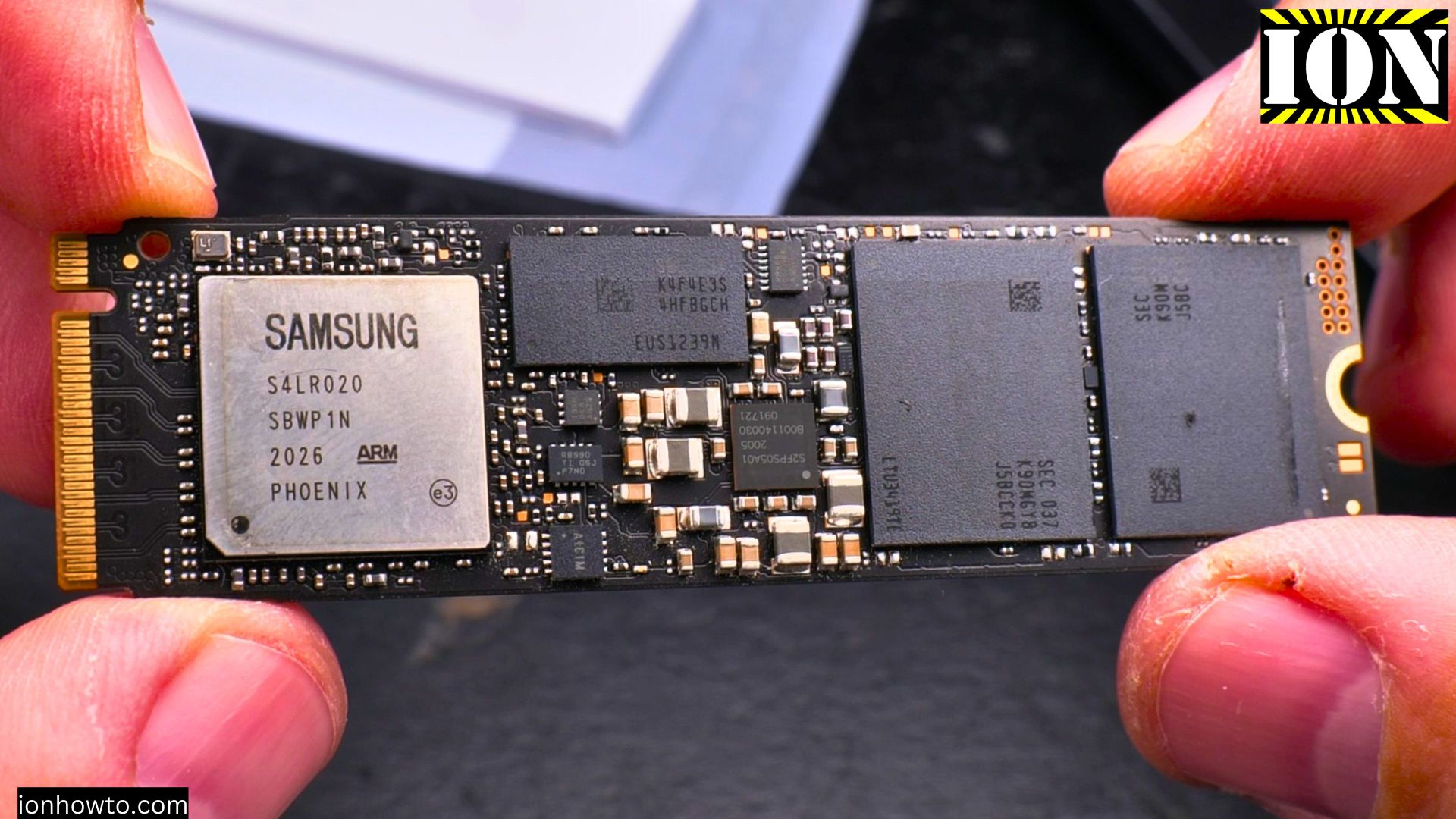
Remove NVMe M.2 SSD from PC
How to remove a NVMe M.2 SSD from a PC. Uninstall M.2 SSD from a PC or laptop and upgrade storage on PC or laptop by replacing the NVMe drive.
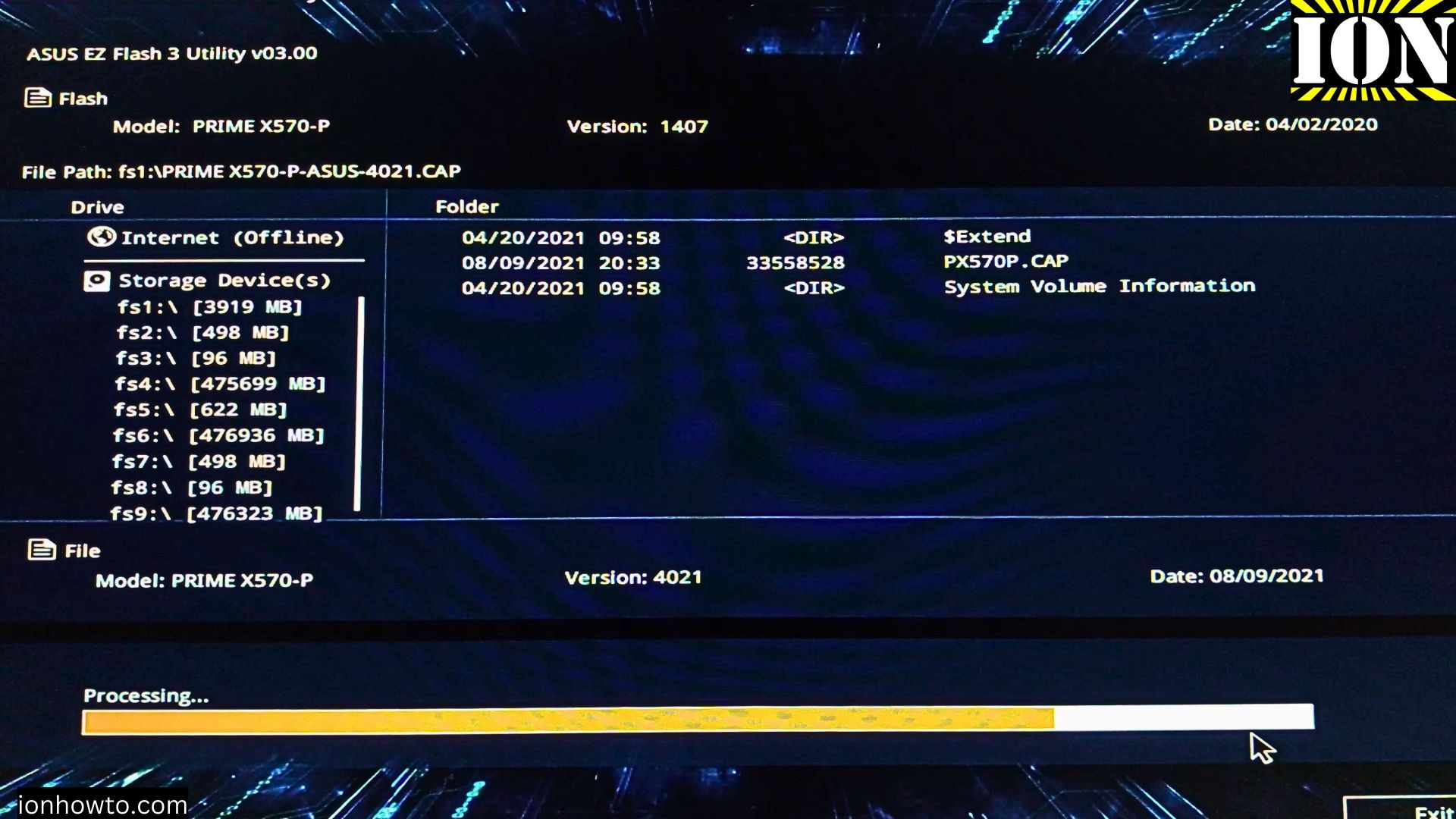
How to Update Your Asus Prime X570-P Motherboard BIOS
Updating your motherboard’s BIOS can seem difficult but with Asus’s EZ Flash utility it’s actually easy as in EZ haha! I will let myself out.
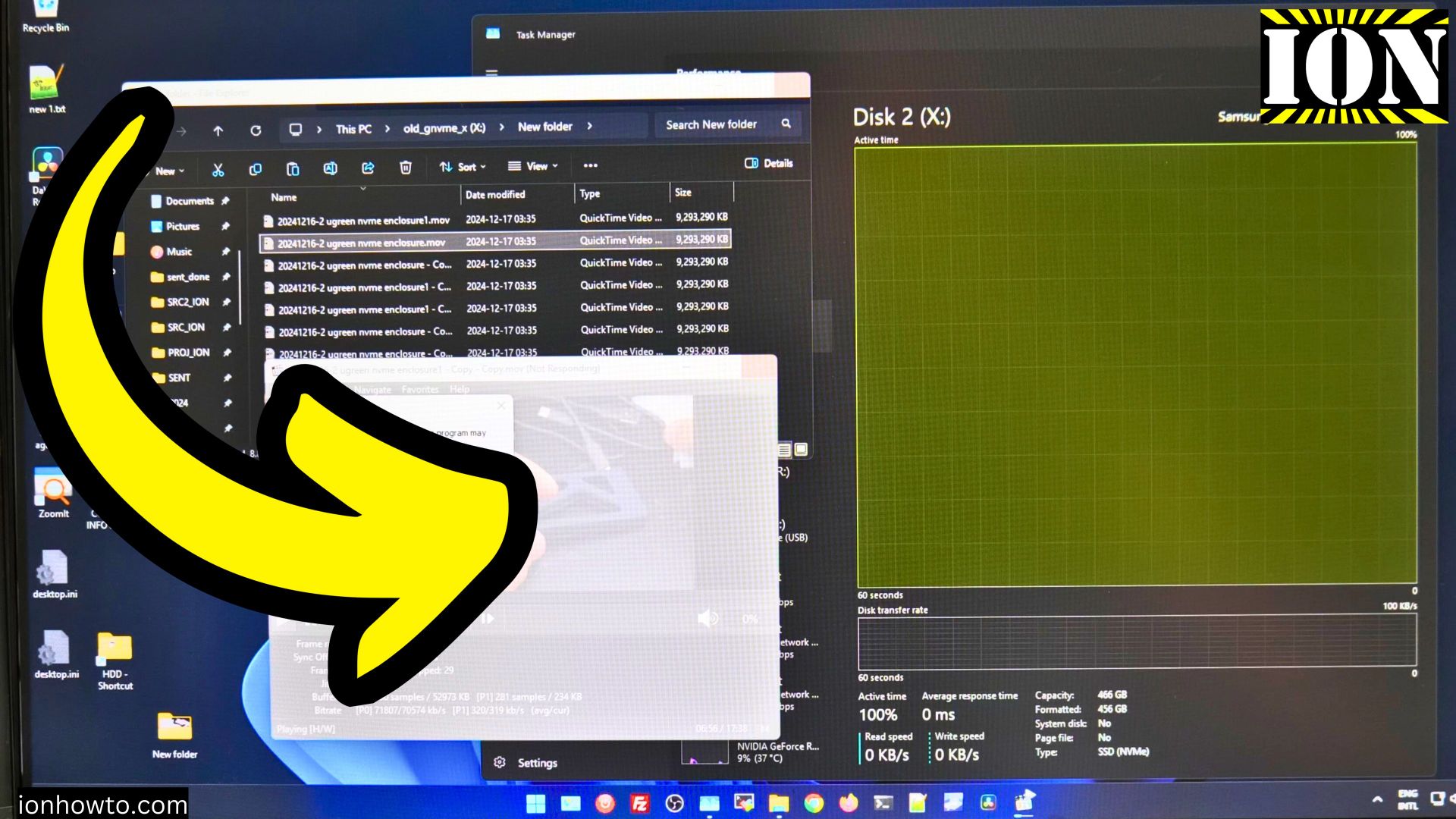
Samsung 970 Evo Plus 100% Usage Freeze NVMe
Samsung 100% NVMe usage read-only freeze. Samsung 100 percent usage freeze problem fixed by moving the NVMe from the m.2 slot of the PC motherboard into and external NVMe enclosure.
Should You Remove the NVMe M.2 SSD Label Before Installation
Should You Remove the NVMe M.2 SSD Label Before Installing in an Enclosure with Thermal Pad or Attaching a Heatsink? In the video, you will learn how to safely remove the NVMe sticker if you choose to do so and show the installation process in an enclosure.
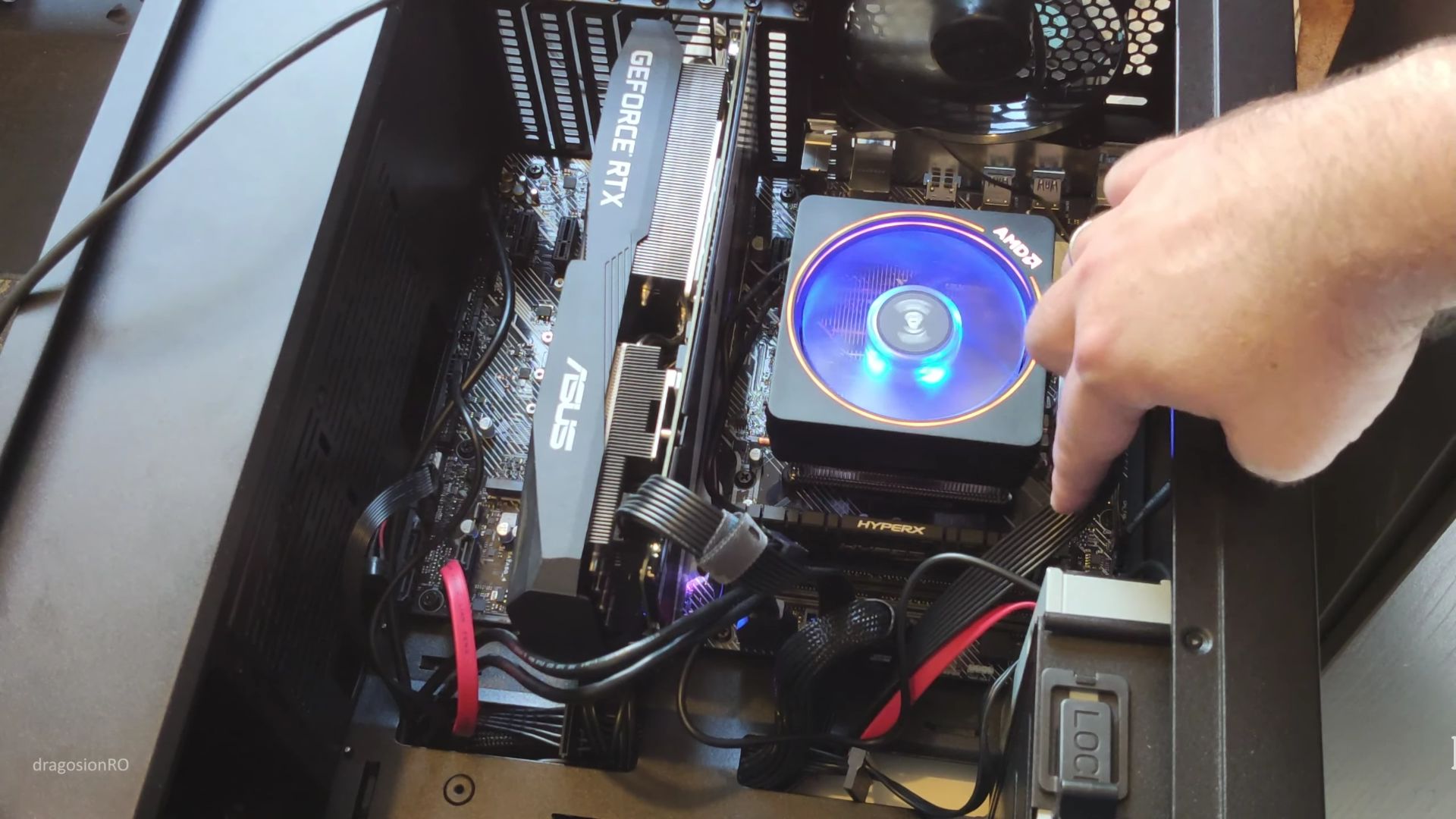
How to build a PC from parts
When you are going to build the computer for use in gaming, office or anything really from basic usage to high-end usage, you will have to decide first.
PC Computer screen flickers then goes black
After waiting 5 minutes, turning the monitor on works normally. It could be a capacitor inside the computer monitor gone bad and leaking electrolyte.Usually you can easily see bad caps / capacitors when are bad, they tend to bulge and inflate or.
How to connect speakers to a computer
How to connect speakers to a computer PC or laptop.Connecting speakers to a computer can be either very easy or a bit difficult. Computer here means either a laptop or a desktop PC.