
Tag: Nvme
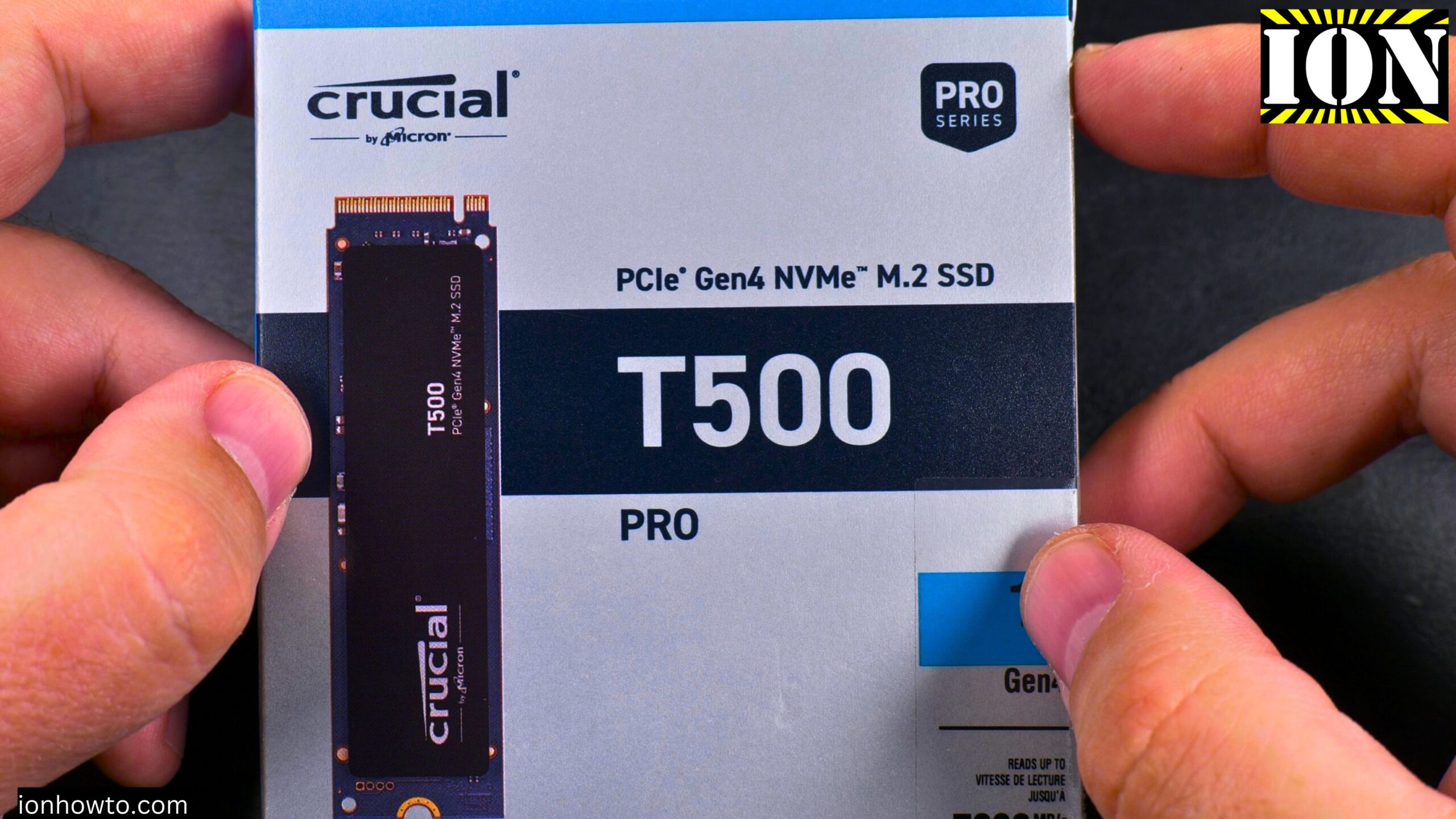
Install NVMe Crucial T500 Pro M.2 SSD in PC
Learn how to install the Crucial T500 Pro NVMe M.2 SSD into your desktop computer. I will show you the whole process on an Asus Prime X570-P motherboard running Windows 11.
Crucial T500 Pro NVMe M.2 SSD 1TB Gen 4 Unboxing
Learn what comes in the box with the Crucial T500 Pro NVMe SSD. I bought this drive for fast file moving and copying on my computer. This is a PCIe Gen 4 NVMe M.2 SSD.
Crucial T500 Pro NVMe M.2 SSD Temperature Tests
Learn how much a heatsink can cool down your NVMe SSD. I tested the Crucial T500 Pro 1TB Gen 4 NVMe drive with and without a heatsink. I did full write tests, full read tests, and speed tests on the whole capacity of the drive to give you a clear.
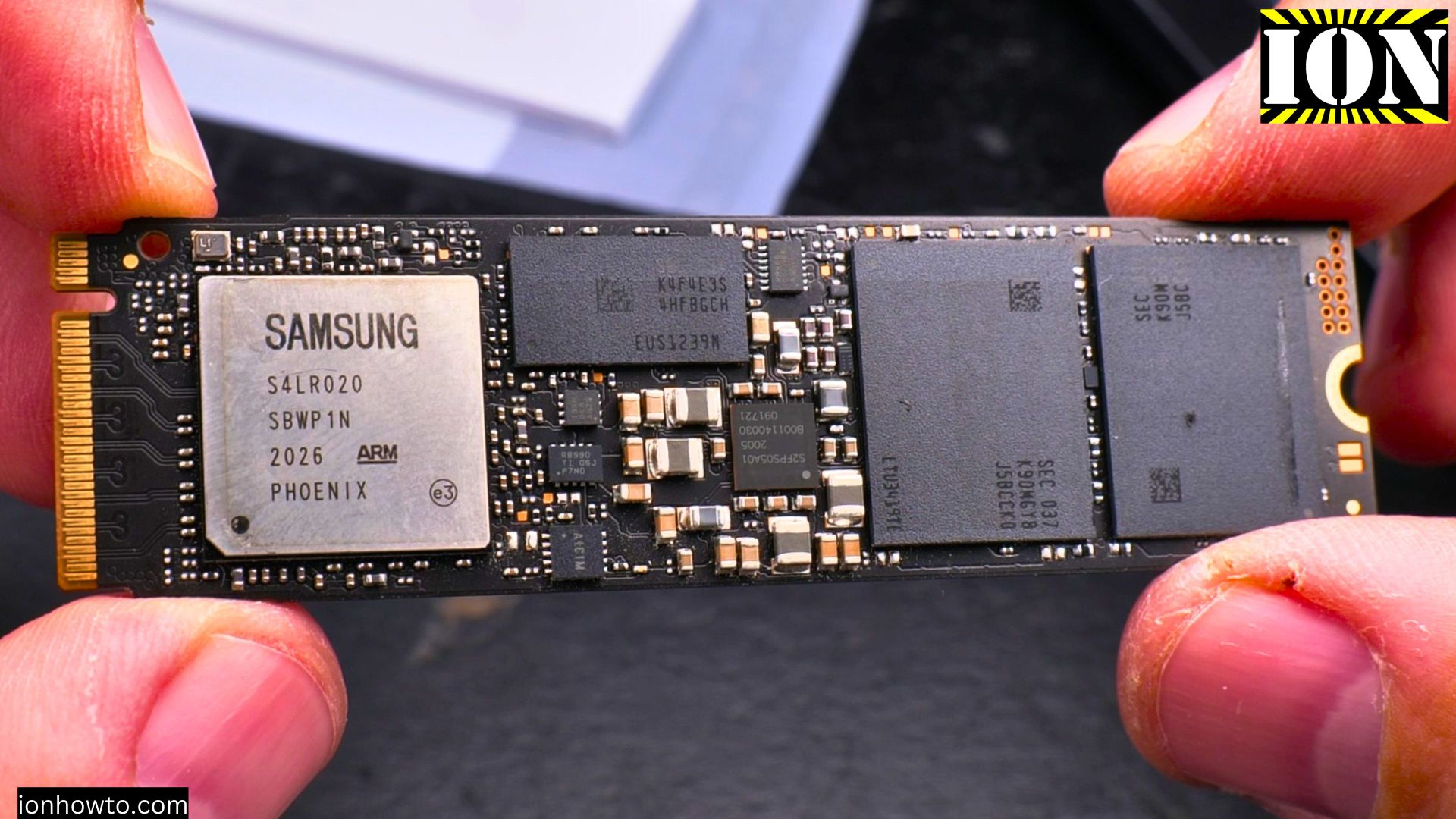
NVMe M.2 SSD Installation in Desktop PC
So you’ve got a new Seagate FireCuda M.2 SSD and you’re ready to speed up your computer. Installing it in a motherboard like the Asus Prime X570-P is one of the best upgrades you can do. It might look technical, but I’ll show you the process is actually.
Arctic M2 Pro Cooler Crucial T500 Pro NVMe M.2 SSD Installation
Learn how to install the Crucial T500 Pro NVMe M.2 SSD with an aftermarket Arctic M2 Pro heatsink cooler in an Asus Prime X570-P setup running Windows 11.
Remove NVMe M.2 SSD from PC
How to remove a NVMe M.2 SSD from a PC. Uninstall M.2 SSD from a PC or laptop and upgrade storage on PC or laptop by replacing the NVMe drive.
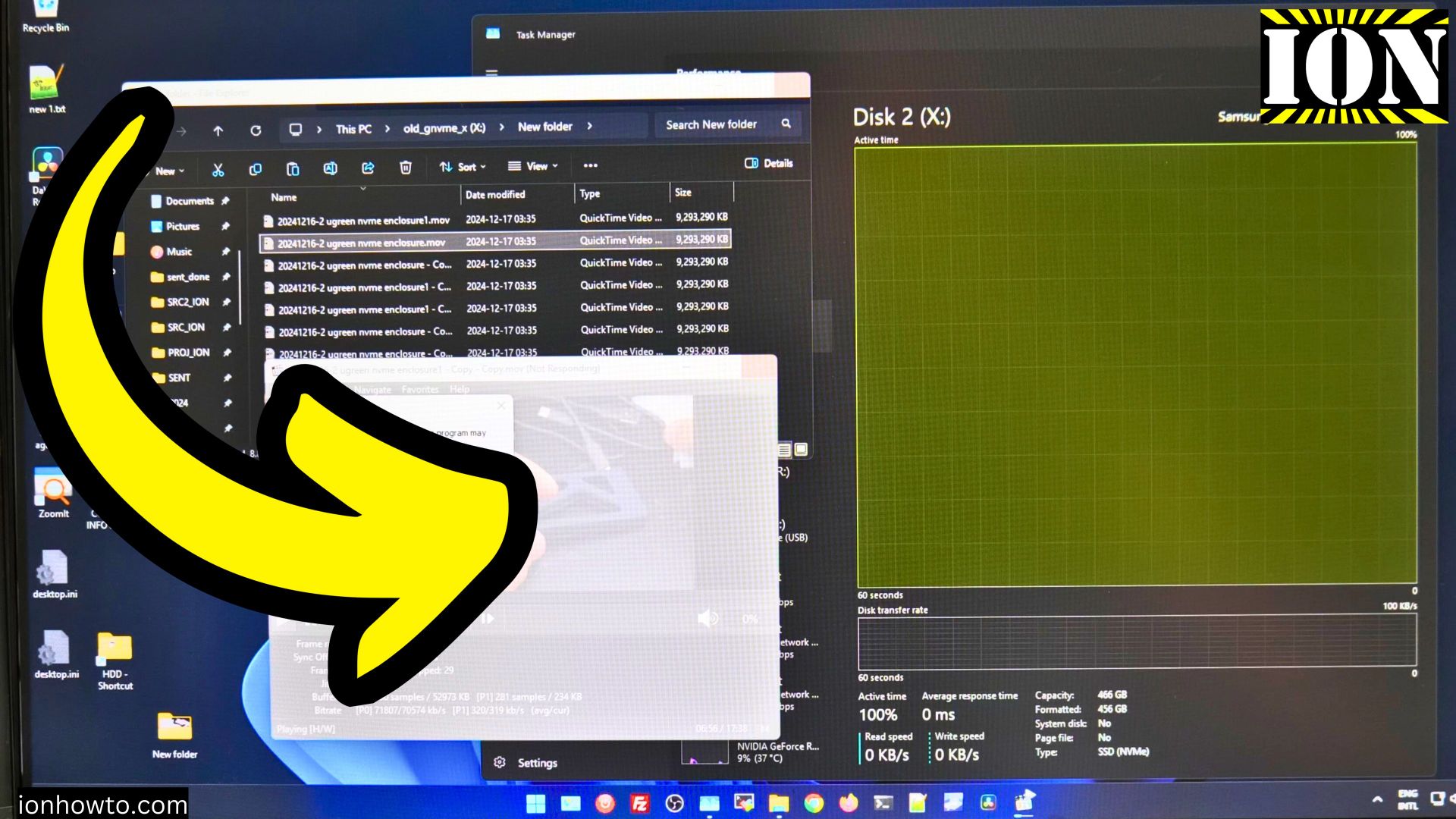
Samsung 970 Evo Plus 100% Usage Freeze NVMe
Samsung 100% NVMe usage read-only freeze. Samsung 100 percent usage freeze problem fixed by moving the NVMe from the m.2 slot of the PC motherboard into and external NVMe enclosure.
Should You Remove the NVMe M.2 SSD Label Before Installation
Should You Remove the NVMe M.2 SSD Label Before Installing in an Enclosure with Thermal Pad or Attaching a Heatsink? In the video, you will learn how to safely remove the NVMe sticker if you choose to do so and show the installation process in an enclosure.