
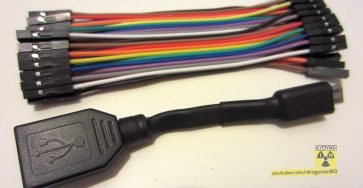
From USB Type-A Female to Micro USB male type Micro-B.
Quick Steps and Scenarios Overview
| What You Need to Do | Quick Jump |
|---|---|
| Share your thoughts | Jump to Step 1 |
| Support us to make more articles and videos | Jump to Step 2 |
Recommended Amazon Gear and Accessories
Disclosure: This article contains Amazon affiliate links. As an Amazon Associate, we earn from qualifying purchases at no extra cost to you.
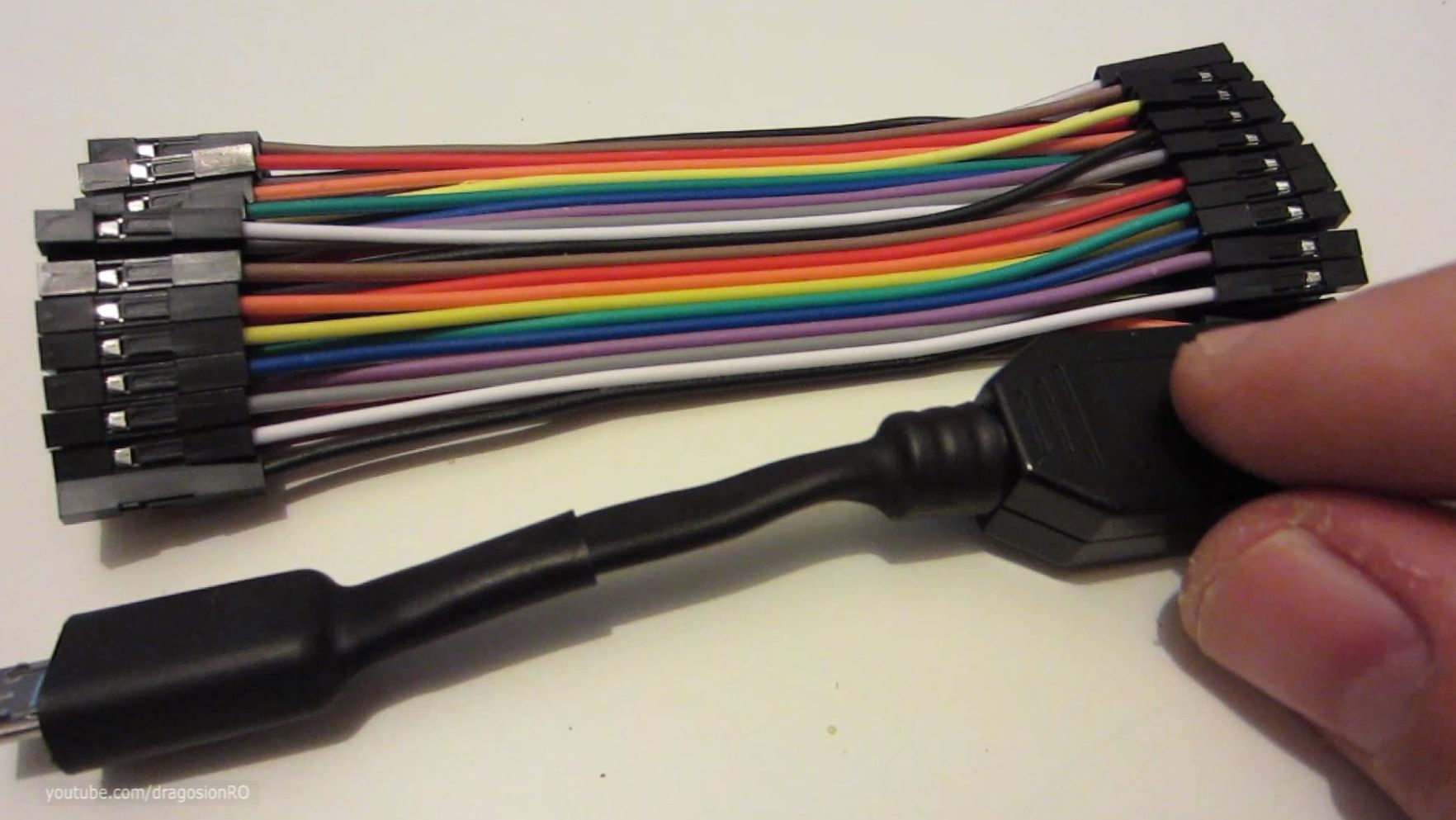
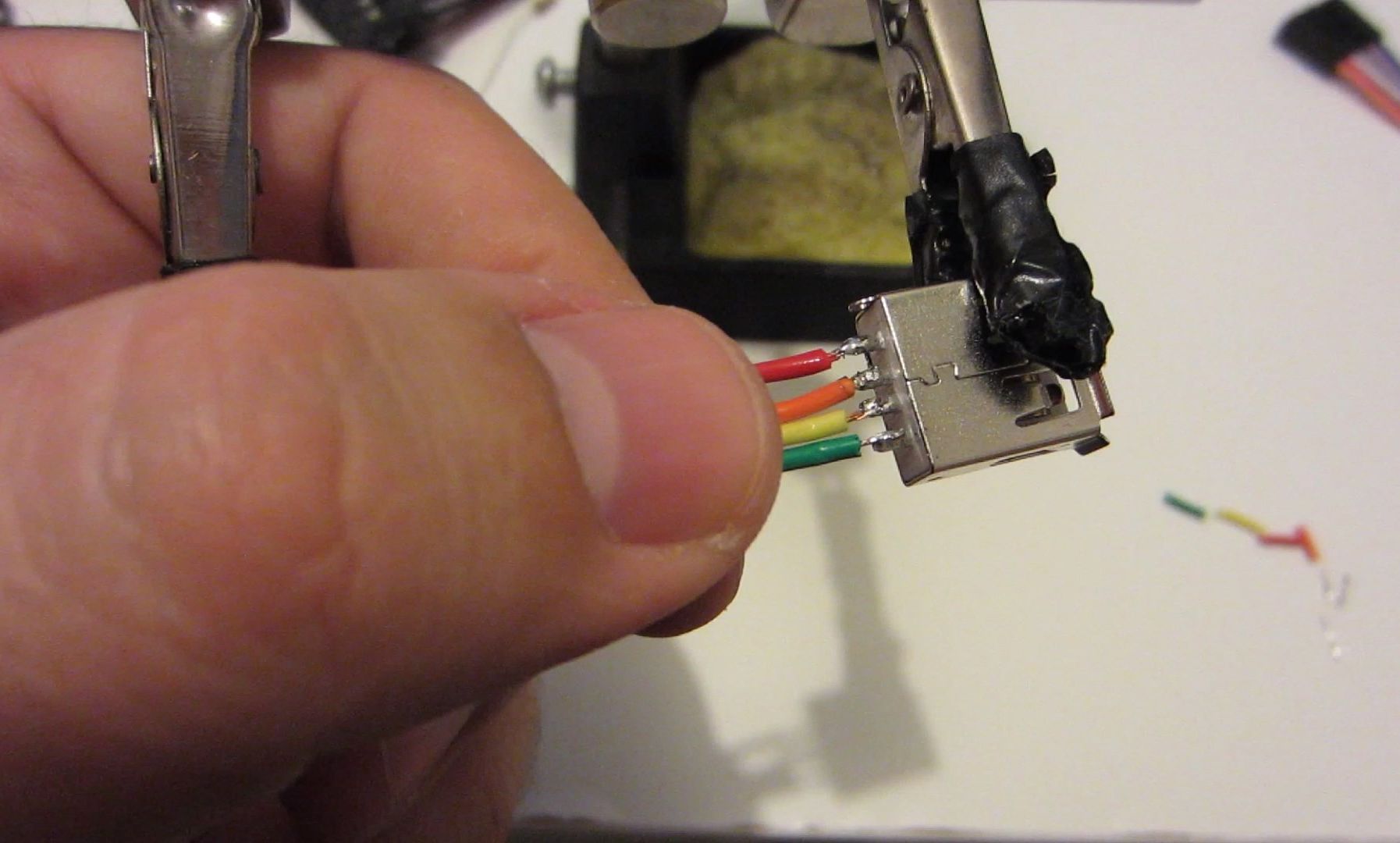
Make this cable from new connectors and wires or even better, you can reuse an old USB cable to make this.
Be careful with the USB pin-outs, make sure you get it right and not reversed. It’s easy to be confused with USB connectors.
If you make it, write a comment saying how you use your OTG cable.
DIY USB OTG Cable Video
A few uses for an
OTG cable on Android phones and Android tablets.
Connect a mouse
to a tablet,
Connect a physical keyboard to your tablet, if you
type a lot, this is really useful.
Most popular, connect a USB
flash drive to access files on a phone or tablet.
One of the main reasons I was not seeing a tablet as a laptop replacement was being unable to quickly plug-in a USB flash storage drive. Now this works great.
To connect an external portable hard drive this won’t work because the HDD needs more power.
To see a cable that works with a portable HDD,
Lots of uses for an OTG cable!
Share your thoughts
If you made this, write a comment say how it is.
Support us to make more articles and videos
SUBSCRIBE to my YouTube channel https://www.youtube.com/ionhowto
If you have any questions, feel free to ask in the comments section bellow. Let’s get the conversation going.
Show your support:)
T-Shirts store:https://teespring.com/stores/ionhowto
Russian
Recipes: https://www.rednumberone.com/
Russian
Video Recipes: https://www.youtube.com/rednumberone1
Helpful Tips
Check all labels, connections, and power ratings before starting so everything fits safely and securely. If any detail looks slightly different on your model, pause the embedded video above for a clear closeup view.
Related Guides
- Apple USB-C Cable DIY Protector Spring – Apple USB-C Cable Protector DIY Spring Support Life Hack.
- How to Connect iPad to Ethernet Cable Using USB-C Hub – If your home Wi-Fi is spotty or drops out during video calls, plugging your iPad into a wired internet cable gives you…
- Connect Lightning Cable to USB C iPhone and iPad with Adapter – If you upgraded to a new iPhone or iPad with USB-C, you do not need to throw away your older Lightning cables.
- Android & Mobile Guides – Browse more tutorials and practical guides in this section.


Leave a Reply