
YouTube Ambient Mode samples the dominant colors in the video you are watching and projects a soft, diffused lighting effect directly onto the surrounding black interface. It creates a theater-like immersion when watching videos in a dimmed room.
What Is YouTube Ambient Mode and How Does It Work?
YouTube Ambient Mode samples the dominant colors in the video you are watching and projects a soft, diffused lighting effect directly onto the surrounding black interface. It creates a theater-like immersion when watching videos in a dimmed room.
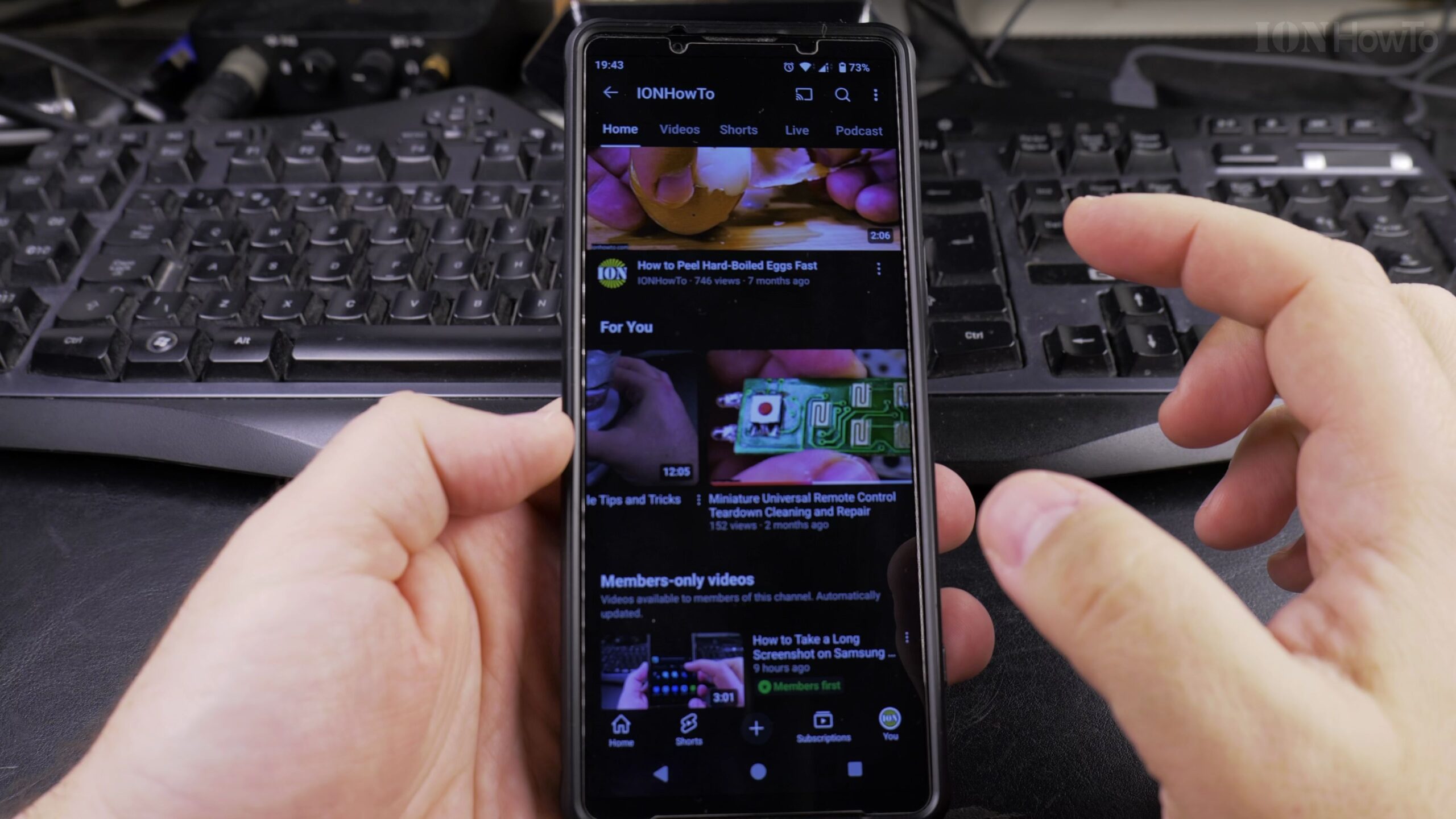
Prerequisite: Enable Dark Theme on YouTube
Ambient Mode only operates when the YouTube app is running in Dark Theme. If your app is set to Light Theme, tap your profile icon, go to Settings > General > Appearance, and select Dark Theme.
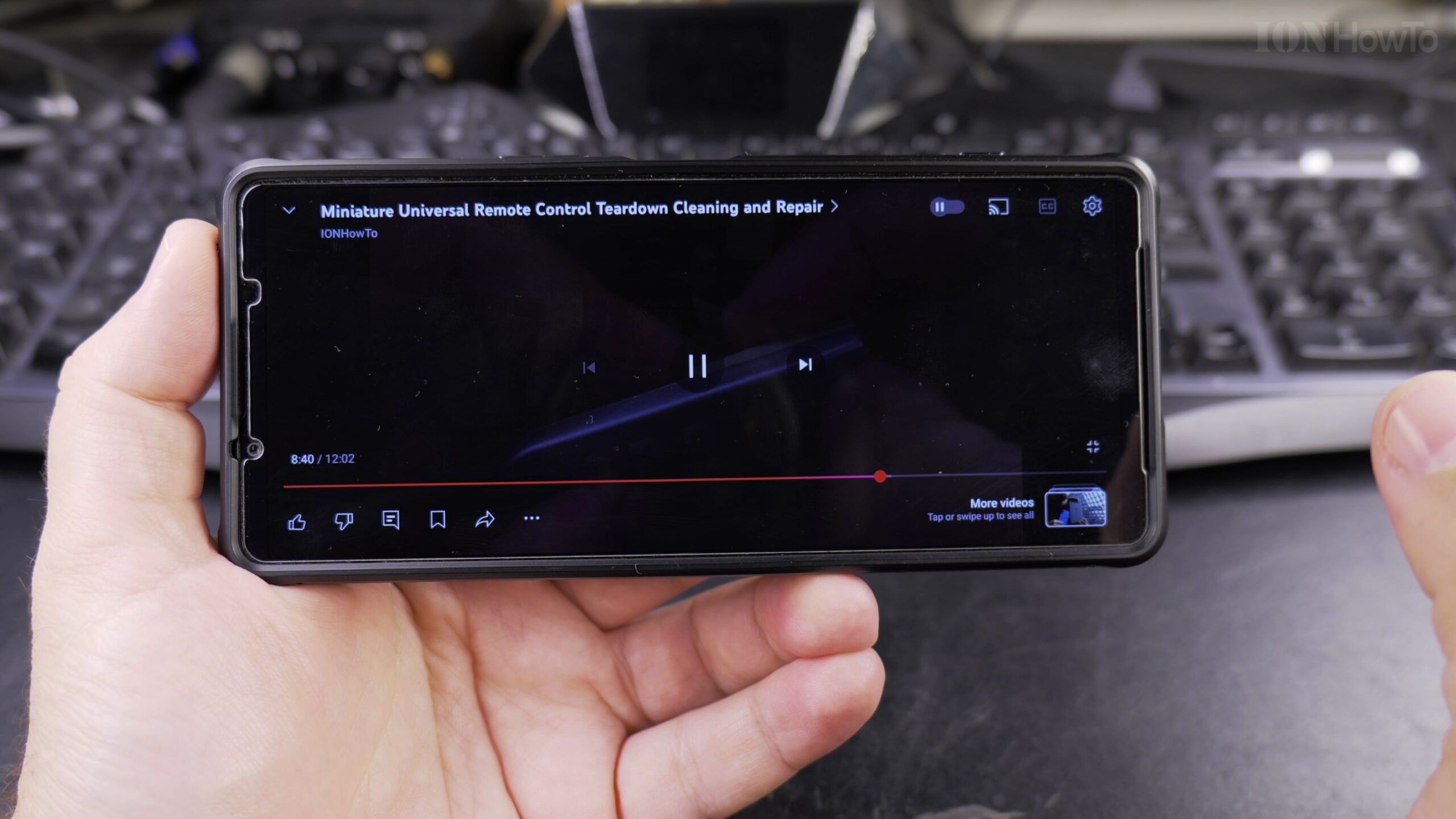
Step 1: Open Any Video and Tap Settings
Start playing any YouTube video. Tap the video display once to reveal the playback overlay controls, then tap the gear icon located in the upper-right corner of the video window.
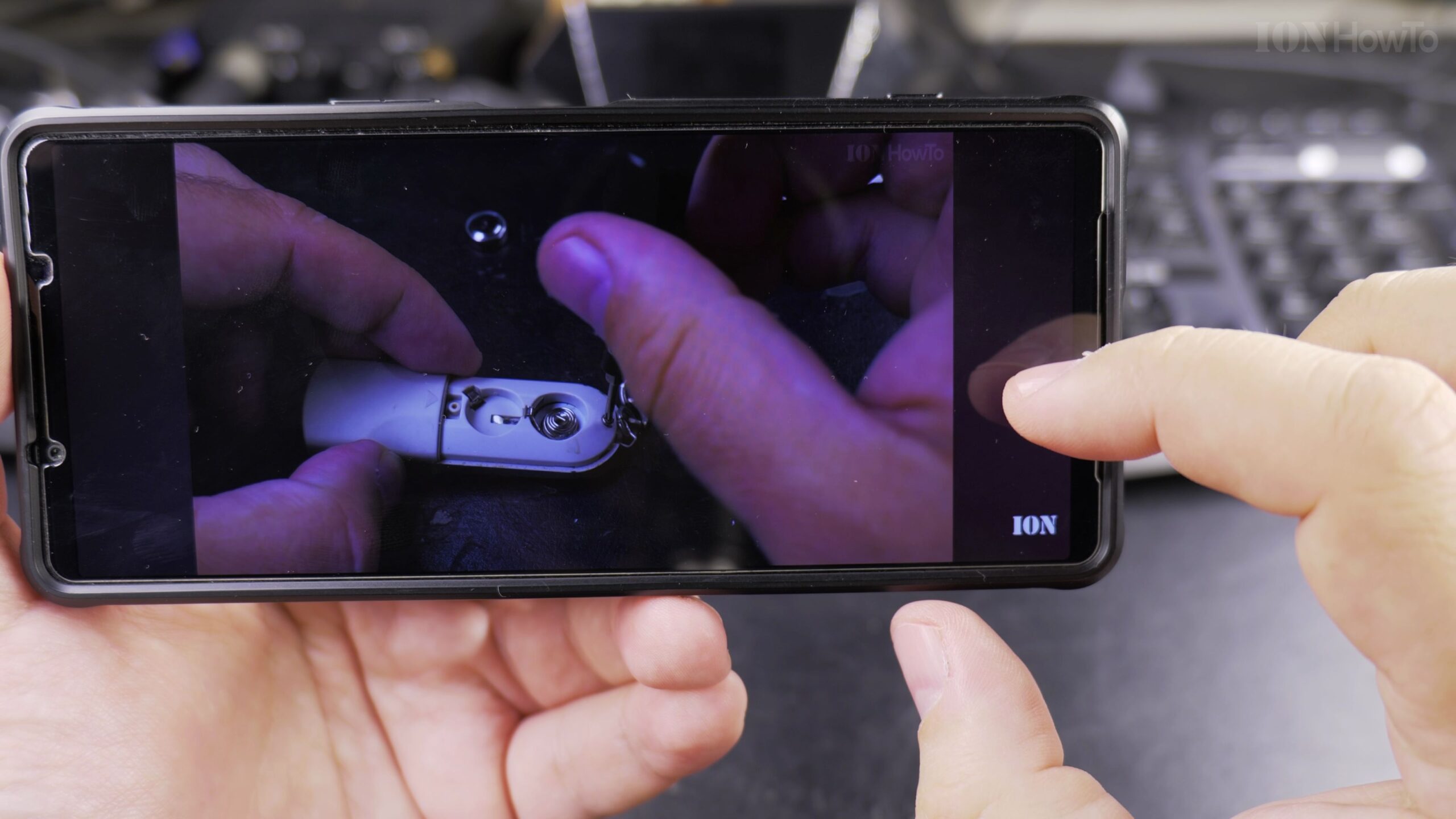
Step 2: Toggle Ambient Mode On or Off
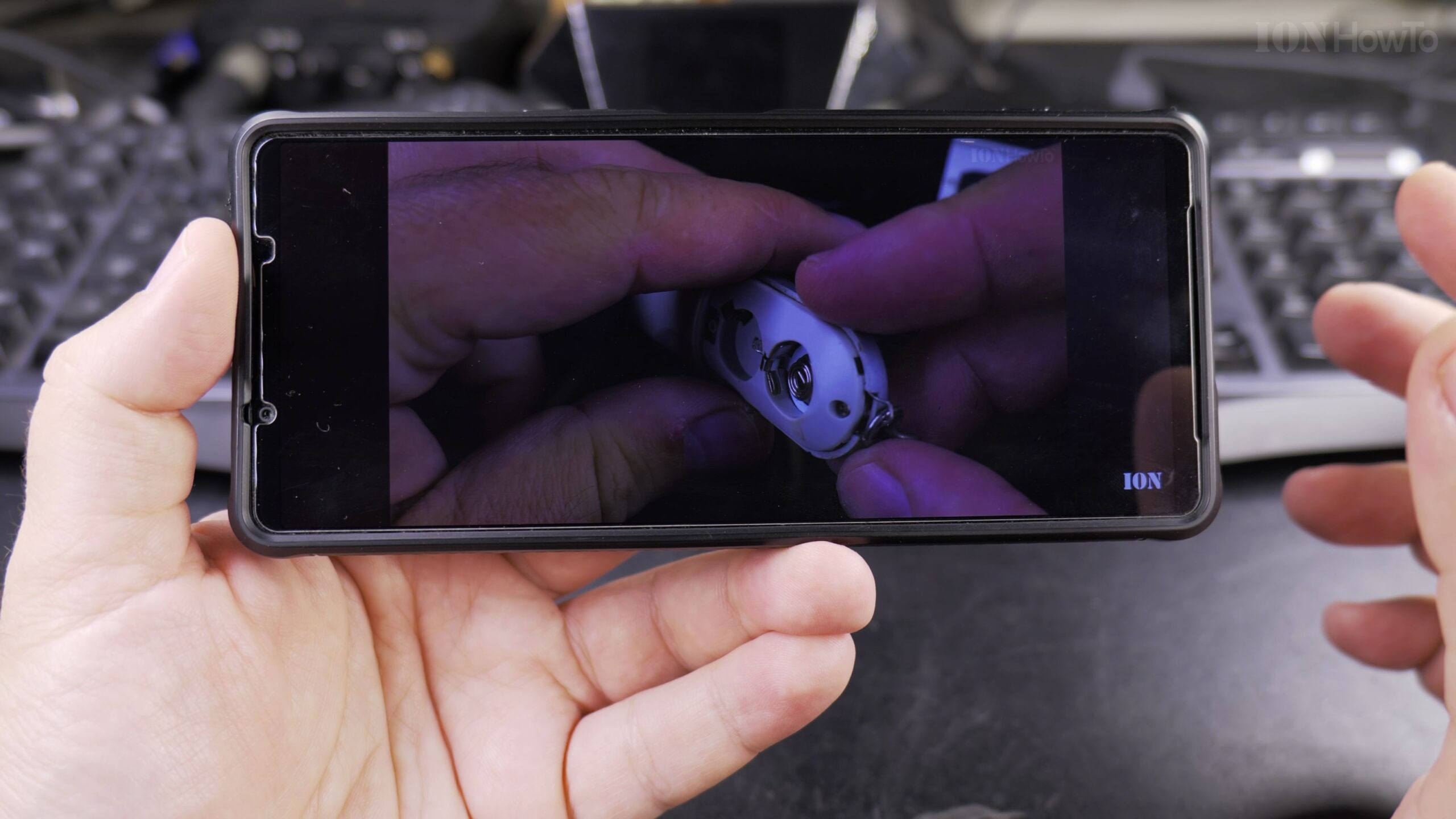
From the menu, tap on Additional Settings. Locate the switch labeled Ambient Mode. Tap the switch to turn it ON. You will immediately notice the area beneath the video title illuminate with complementary colors matching the scene.
Helpful Tips and Related Tutorials
For more practical tutorials and setup guides, discover how to how to disable 2G on Android, explore how to increase contrast on Android, or browse our complete collection of Android tips collection.


Leave a Reply